











The Bikosport app lets you place bets, follow live events, and manage your account without opening a desktop browser. It is designed for punters in Tanzania who want fast access to sports betting from a smartphone. Android users can install the APK from the official website, while iPhone users can use the mobile version of the site through Safari or another iOS browser. Your balance, bet history, account settings, and live odds stay close at hand.
Why Use the Bikosport App
Betting through a dedicated mobile app is usually smoother than keeping a browser tab open. The interface is built around touch navigation, so finding a market, checking a live score, or reviewing a bet slip takes fewer steps. A compact layout also helps when you are using a small screen in a busy place.
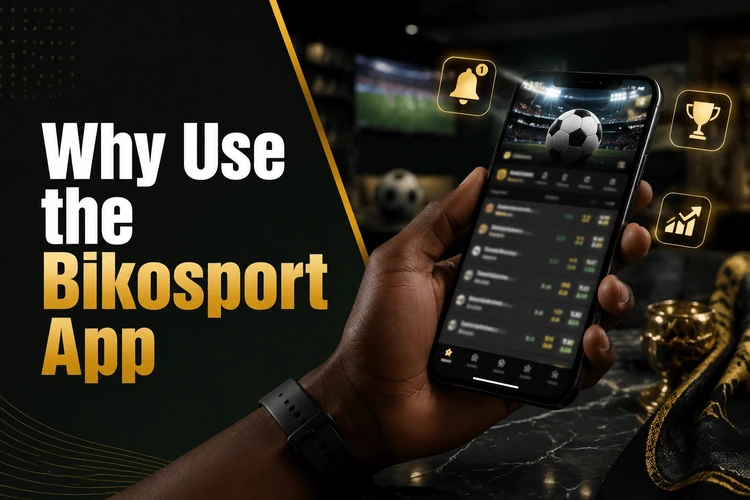
Push notifications can also be useful if they are available on your device. You may receive alerts about upcoming matches or changes related to open bets without checking the site manually. The app can keep you signed in between sessions, but you should still use a strong password and lock your phone, especially if other people can access it.
Download Options
Android users can download the APK file directly from the official Bikosport website. Because the file comes from outside the Google Play Store, your phone may ask you to allow installation from the browser or file manager. This is a normal Android security prompt, but it should only be accepted when the file came from the official source.
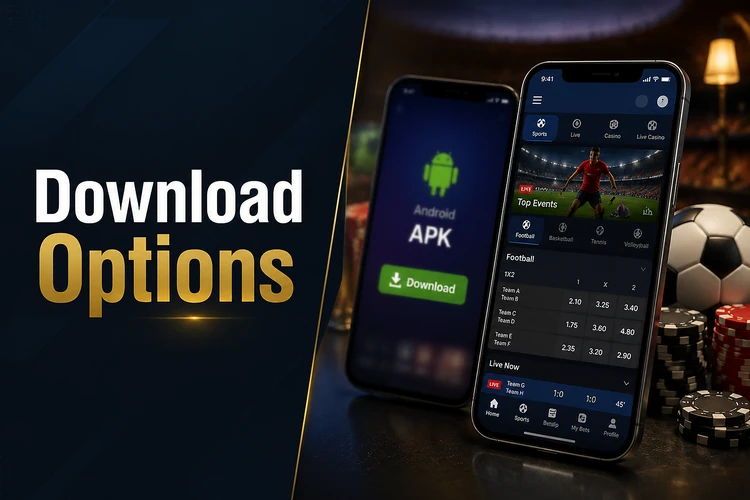
The APK is free to download and does not require any payment during installation. For iPhone users, a confirmed native iOS app may not be available through the App Store. Apple devices can still access the sportsbook through the mobile version of the site, which is optimised for Safari and other iOS browsers. You can add the site to your home screen for quicker access. Avoid third-party sources that claim to offer alternative files or modified versions.
How to Install the APK on Android
The process takes only a few minutes on a compatible Android smartphone or tablet. Before you begin, use a stable connection, make sure the battery is not almost empty, and download the file only from the official site.
- Step 1: Open bikosport-bet-tz.com in your phone browser.
- Step 2: Navigate to the app download section and tap the download button for the Android APK.
- Step 3: Once the file is downloaded, open it from your notification bar or the Downloads folder.
- Step 4: If prompted, go to Settings and allow installation from your browser or file manager.
- Step 5: Tap Install and wait for the process to complete.
- Step 6: Open the app from your home screen or app drawer.
- Step 7: Log in with your existing account credentials before placing bets.
After installation, you can turn the install permission back off if you prefer. It only needs to be active while Android is installing the APK. If the file does not open, delete the incomplete download, clear enough storage, and download it again from the official site.
Android Compatibility
The app is intended for Android smartphones and tablets that can install APK files. Exact requirements may change with updates, so check any information shown on the download page before installing. Newer devices and updated Android versions generally provide a smoother experience, especially during live betting where odds refresh often.
To keep the app working correctly, update it whenever a new version is released. You will not receive automatic updates through the Play Store if the APK is distributed directly, so revisit the official download page from time to time. Before updating, confirm that your connection is stable and that your phone has enough free storage for the download and installation process.
Compatibility on iOS
At the time of writing, there is no confirmed native Bikosport app for iPhone available through the Apple App Store. Apple does not support APK installation, so the Android method does not apply to iPhone or iPad. Instead, iOS users can access Bikosport through the mobile web version, which adapts to smaller screens and supports core account and betting functions.
To make access feel more app-like on iOS, open the site in Safari, tap the share icon, and select Add to Home Screen. This creates a shortcut on your device so you do not need to type the address each time. If a dedicated iOS app becomes available later, the official website should be the place to confirm it.
What You Can Do in the App
The Bikosport app covers the main features expected from a mobile sportsbook. You can browse pre-match markets across available sports, follow live events with updated odds, and place bets directly from the match view. Your account balance should update after completed transactions and settled bets.
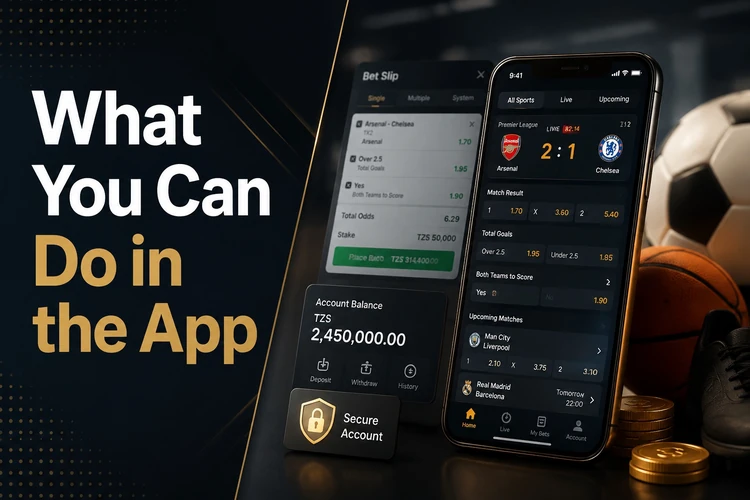
Account management tools are built into the app as well. You can view bet history, adjust profile settings, and handle deposits or withdrawals from the same mobile platform when those options are available in your account. Security features such as password management work in a similar way to the full site; if you ever need to recover access, the login page has the account recovery option.
Safe Download Recommendations
Use the official website as your source for the APK. Modified or repackaged files from third-party sites can contain unwanted software and may put your account or device at risk. A legitimate installation file should not ask for payment details before the app opens; financial actions should happen only after you are logged in to your account.
Keep the app up to date, because older versions may stop working correctly after platform changes. Check that your device is compatible before downloading, and avoid installing files sent through social media or messaging apps. If you want support with safer betting habits, the responsible gambling section of the site has practical guidance.
18+. Betting involves financial risk. Please bet responsibly.
FAQ
Download the Android APK from the official website at bikosport-bet-tz.com. Use the download section and follow the on-screen instructions. Avoid third-party sites that claim to host the file.
Yes. Downloading and installing the app does not cost anything. You only spend money if you fund your betting account and place wagers.
Download the APK from the official site, open the file, and allow installation from your browser or file manager if Android asks for permission. Once installed, open the app and log in with your account details.
Yes, the app is intended for Android devices that support APK installation. Check the official download page for any current requirements before installing or updating.
A native iOS app is not currently confirmed for the App Store. iPhone users can access the sportsbook through the mobile version of the site in Safari and add it to the home screen for quicker access.
Yes. The app uses the same account as the website, so you can enter your usual username and password. Your balance, settings, and bet history should be available after login.