











Your Bikosport account gives you access to your personal dashboard, where you can review betting activity, manage funds, update profile details, and check open bets. Returning users can sign in from a browser or the mobile application, while new users must complete registration before accessing these features. The same account can be used across the available website and app experience.
Use the official site or verified application whenever you enter personal details. Check the address in the browser bar, avoid links sent by unknown people, and do not enter a password on a page that looks altered or unfamiliar. The instructions below cover the normal sign-in process, account creation, mobile access, password recovery, and practical security checks.
How to Log In to Your Bikosport Account
Open the official Bikosport website in a current browser on your phone or computer and find the login area. The form normally asks for the phone number or username connected to your account and the password you created during registration.
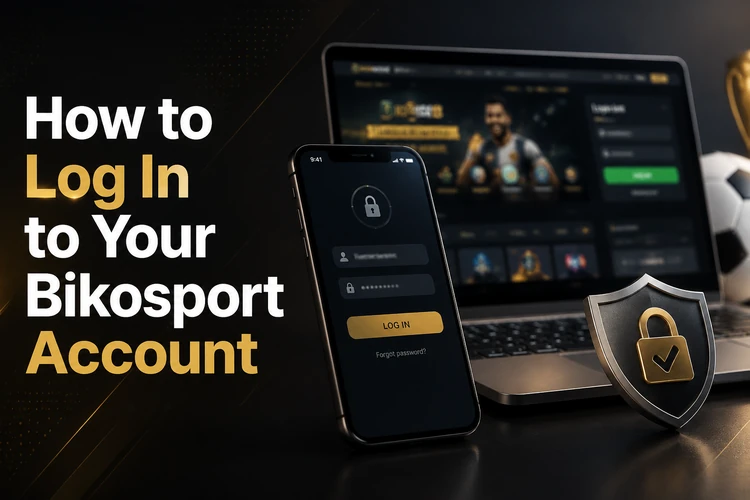
Enter each detail carefully, then select the sign-in button. If the page responds slowly, test the internet connection before submitting the form repeatedly. A weak mobile signal can interrupt the request and create a misleading error. Once authentication is successful, wait for the dashboard to finish loading before opening another page.
- Step 1: Open the Bikosport website in a trusted browser.
- Step 2: Select the login button.
- Step 3: Enter your registered phone number or username.
- Step 4: Type the password exactly as saved, including capital letters and numbers.
- Step 5: Submit the form and confirm that your account dashboard appears.
Do not save credentials on a public computer. On a personal phone, use the device lock and check that the account shown after sign-in is yours before reviewing balance or activity information.
How to Register a New Account
Anyone without an existing profile must complete the registration form before signing in. The draft form requires basic personal information such as your full name, an active phone number, and a password. Use a number that you can access because a verification code may be sent by SMS.
Choose a password that is difficult to guess and avoid names, birthdays, repeated digits, or familiar sequences. After entering the verification code, review the details in your profile and correct mistakes while you can still access the account. New users should also read the relevant account and privacy information before depositing funds or placing bets.
Keep one account and use the recovery process if you have already registered. Creating duplicate profiles can cause verification problems or restrict access. After registration, sign in with the same phone number or username and password that you supplied on the form.
Using the Mobile Application
The Android application provides a convenient way to access the account on a phone and can be useful when a browser tab is slow or difficult to use. Download the official APK from the Bikosport download page, and avoid modified files or unofficial app stores.
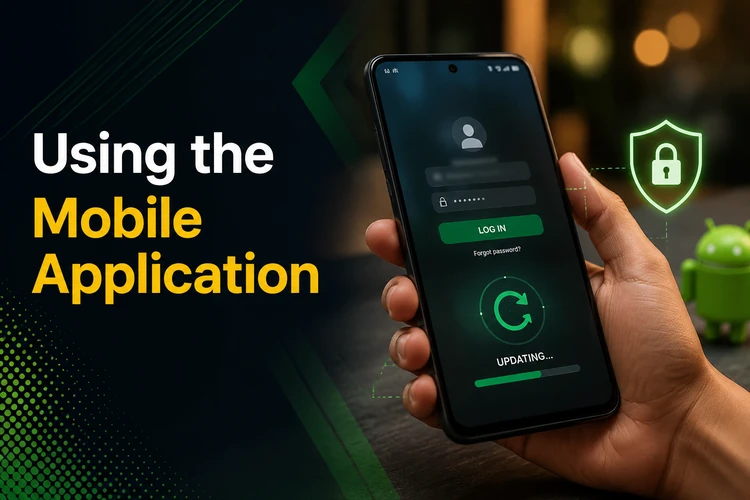
After installation, open the app and enter the credentials used on the website. A separate profile is not needed for mobile access. Keep Android updated, allow installation only from a source you trust, and check the requested permissions before continuing. If an update is offered, install it from the official source rather than downloading a replacement file from a message or forum.
When the app does not open correctly after an update, close it fully and restart the phone. Clearing the app cache can remove temporary data without deleting the account, but avoid clearing saved information unless you know the credentials. If the problem remains, try the browser version while checking the connection and contacting support.
Password Recovery and Troubleshooting
If you forget the password, open the login page and select the recovery option labelled Forgot password?. Follow the instructions and use the phone number linked to the account to receive the verification code. Enter the code only on the official page, create a new password, and try signing in again.
Incorrect details are not always caused by the password itself. Check whether Caps Lock or automatic text correction changed an entry, and confirm that you are using the registered phone number rather than a new one. If the form does not load, switch between mobile data and Wi-Fi, refresh the page, or try another current browser.
Repeated failed attempts can trigger a temporary restriction. Stop submitting the form for a short period instead of guessing repeatedly, then try again with the correct details. Clearing old cookies may help when the page keeps returning to a previous session. Do not ask another person to sign in for you or send them a copy of your password.
For a continuing error, an account lock, or a missing verification message, contact the customer support team. Include the registered phone number and a clear description of the problem, but never include your password or a full verification code in a message.
Keeping Your Account Secure
Use a unique password for Bikosport and store it in a trusted password manager if needed. Never share login details with friends, agents, or anyone claiming to provide technical help. Genuine support should not require your password by phone, SMS, or social media.
Log out after using a shared computer or another person’s phone. On your own device, enable a screen lock and avoid leaving the account open while unattended. If two-step verification is offered in your account settings, enable it and keep the recovery method current.
Review activity regularly. Unfamiliar bets, profile changes, or balance movements should be treated seriously: change the password, end other sessions if that option is available, and contact support. Read the site’s privacy information to understand how personal details are handled. Users must be 18+ to hold an account, and responsible gambling guidance should be followed at all times.
Once the account is protected, the normal process is simple: use the official access point, check the details before submitting them, and keep recovery information up to date. These habits reduce avoidable login failures and make it easier to regain access if a device or password is lost.
FAQ
Select Forgot password? on the official login page and follow the instructions. A verification code may be sent to the phone number registered to the account. Enter it on the official page, create a new password, and sign in again.
Yes. Install the official Android application, open its login screen, and use the same phone number or username and password as on the website.
No. One registered account can be used on both the website and the mobile application. Register again only if you have never created an account.
Check the connection, Caps Lock, automatic text correction, and the registered phone number. Refresh the page, clear temporary browser data, or wait if several failed attempts may have caused a temporary restriction.
Use the download page linked from the official website. Avoid third-party stores and modified APK files, which may be unsafe or outdated.
Stop guessing the password and contact customer support through the official contact channel. Provide the registered phone number and error details, but never send your password or verification code.